
Guides/Get started
Connect your Kindle library
Sign in to Amazon once inside Readio, and your Kindle books appear in the app.
Works oniPhoneAndroid
What you need
- Readio on your phone, with a plan. See Set up Readio on your phone.
- The email and password of your Amazon account.
Sign in
- On the home screen, tap the Connect your Kindle card.
- Readio opens Amazon’s Kindle web reader. Sign in with your Amazon account on Amazon’s page.
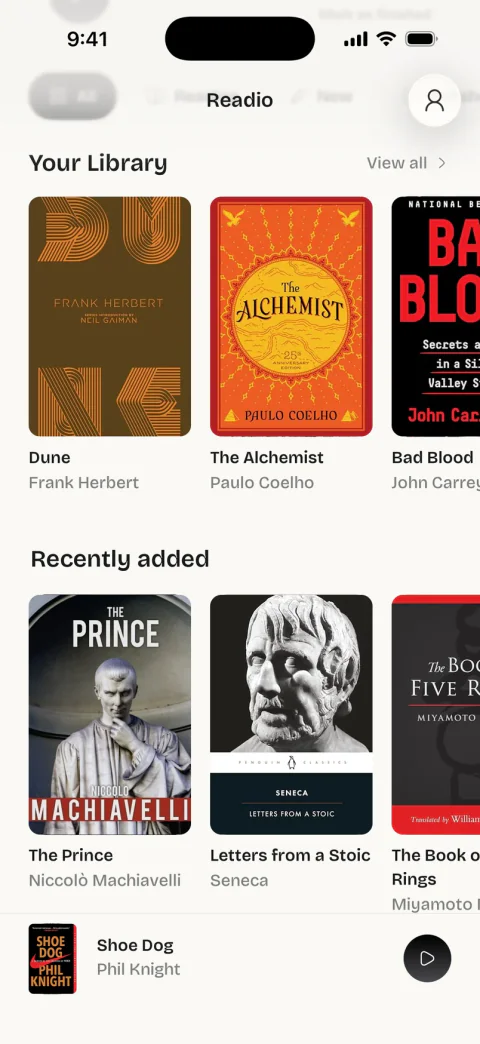
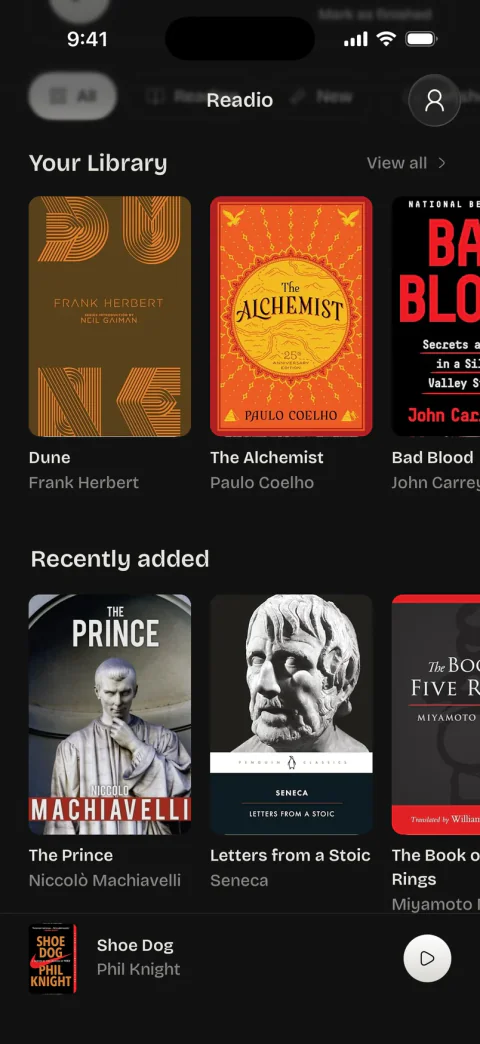
- Your Kindle library opens. Close it with the button at the top, and your books are on Readio’s home screen with their covers.
- Tap a book to open it, then press play.
You sign in once. Readio keeps the Amazon session on the phone and refreshes your library when you come back to the app.
A book shows how far you are only after you have opened it in Readio. Amazon’s library list does not carry your progress.
A new book is missing
Readio refreshes the library when you return to the app, if the last refresh is more than 15 minutes old. To refresh it now:
- On the home screen, tap View all next to Your Library.
- Pull the list down.
The top of Settings shows how many books Readio has and when it last synced, for example “42 books, synced 5 min ago”. Not synced yet means Readio has no library from Amazon: sign in again as below.
Amazon signed you out
Amazon ends a session from time to time. Your books stay listed in Readio, and you sign in again on Amazon’s page:
- Open Settings: the person icon at the top right of the home screen.
- Under Account, tap Open Kindle Reader.
- Sign in on Amazon’s page.
No Kindle books yet
The Free Classics row on the home screen opens a classic’s page in the Kindle Store, inside Readio. Get the book from Amazon there, and it joins your library at the next refresh.
Sign out
To sign out of Amazon in Readio, see Disconnect Kindle and your data.
Questions
No. You sign in on Amazon’s own page, and your password goes to Amazon only. Readio keeps the session on your phone. See the Privacy Policy.
Yes. Books you borrow through Kindle Unlimited are in your library, and Readio can read them. Which books Readio can read lists the exceptions.
Readio refreshes your library when you come back to the app, at most once every 15 minutes. To refresh it now, tap View all next to Your Library on the home screen and pull the list down.
No. Readio opens Amazon’s Kindle web reader at read.amazon.com inside the app. You need an Amazon account with Kindle books in it.
No. Readio is an independent app, and Kindle is Amazon’s trademark. Readio reads the books in your own Kindle library and does not sell books.